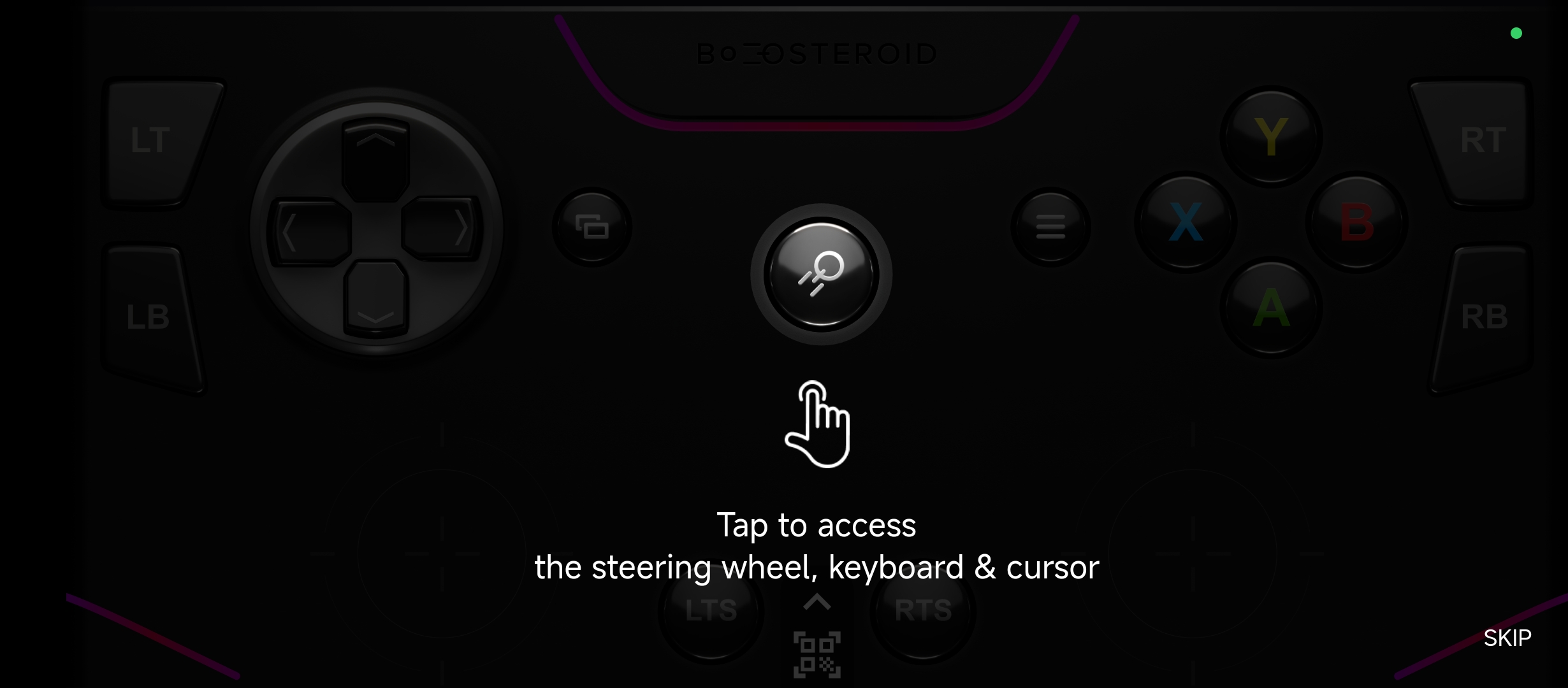
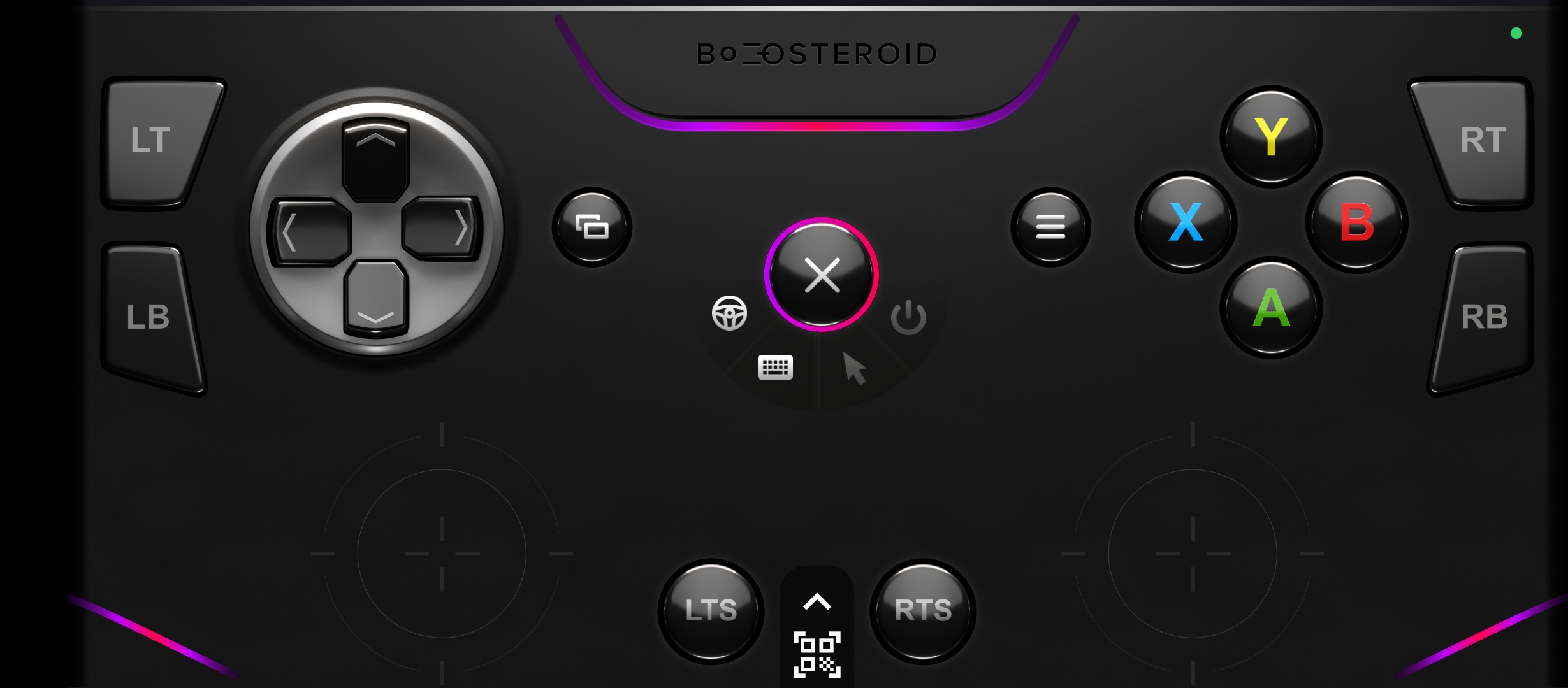
The Boosteroid Gamepad Application can be used during a game session only. You won't be able to use it to manage the Boosteroid interface. You can download and launch the gamepad application from the Play Store or the App Store.

Sync the gamepad app with the TV app.

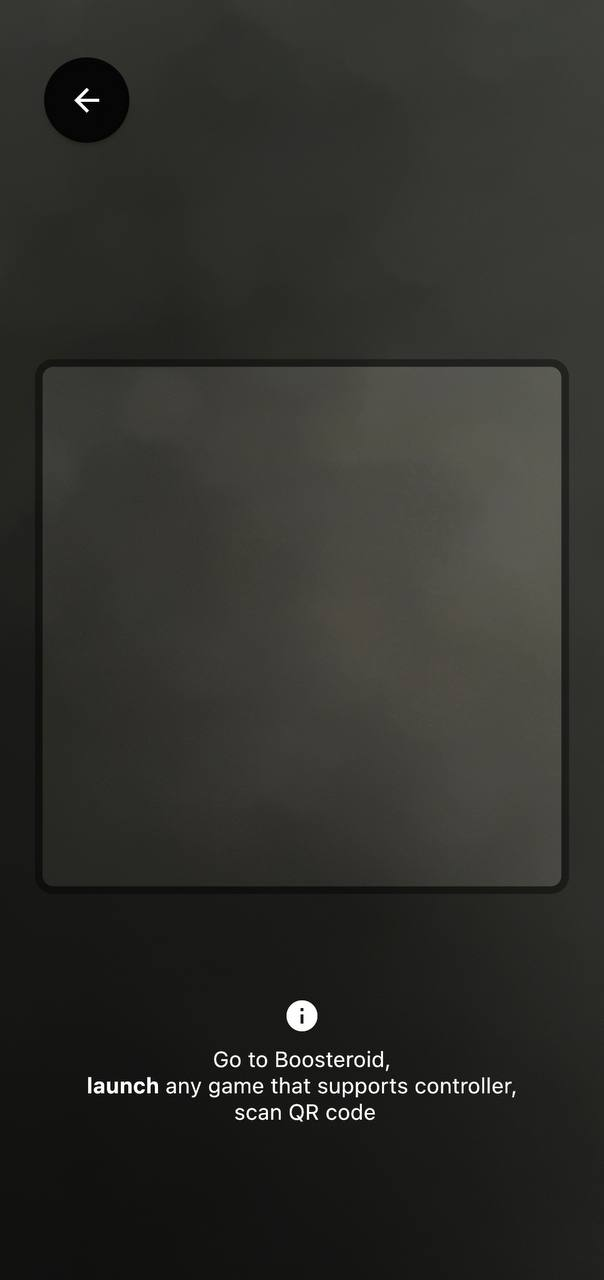
You can start playing!
Press the button with the Boosteroid logo to open the menu with additional functions:
1. Gyroscope, control like for racing (tilt the phone left, right)
2. Keyboard
3. Enable cursor control with the right stick
4. Disable/deactivate gamepad