Important: SHiFT software is protected from streaming and does not work during active sessions. If you see a black screen, it usually means you interacted with SHiFT. Press Esc to return to the game.
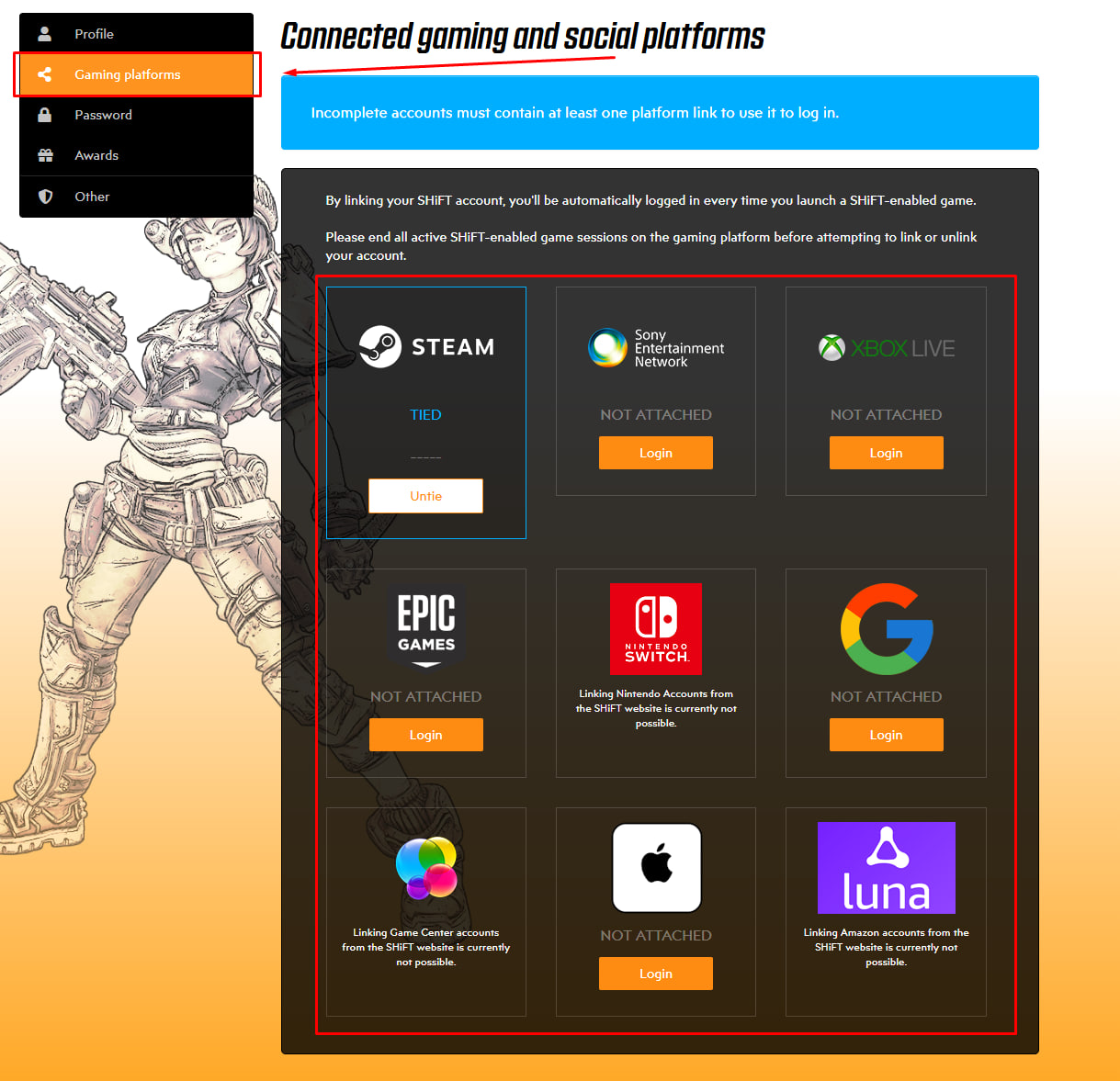
Before your first Borderlands 4 session, you must link your Steam account with SHiFT here: https://shift.gearboxsoftware.com/home
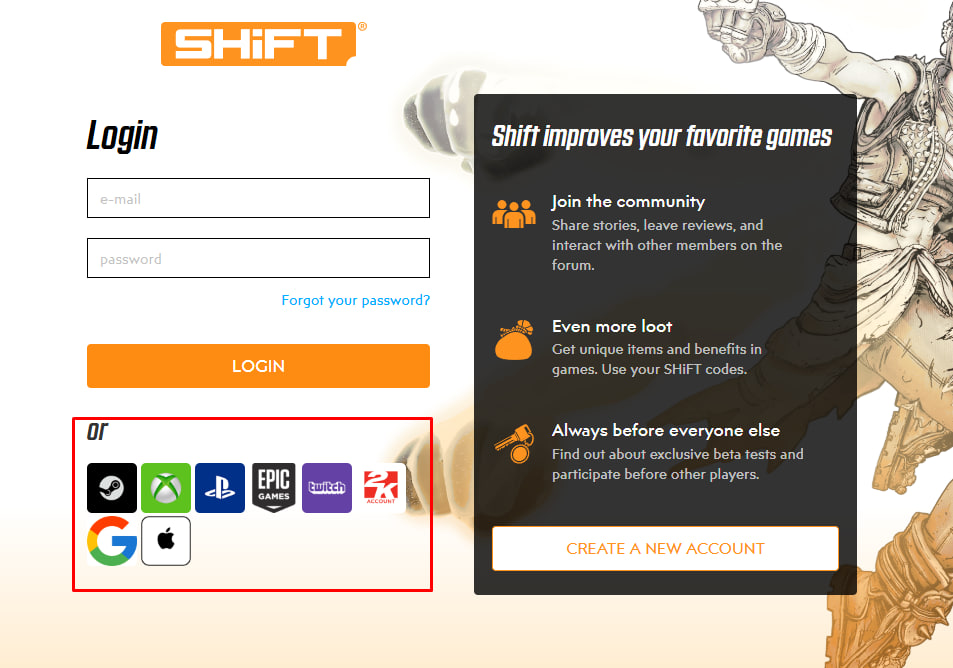
If you don’t have a SHiFT account yet, we recommend signing in through the launcher where you purchased the game. If you already have a SHiFT account, use the regular login option.
Go to the Gaming Platforms section and link your launcher account where the game was purchased (if it isn’t linked already).