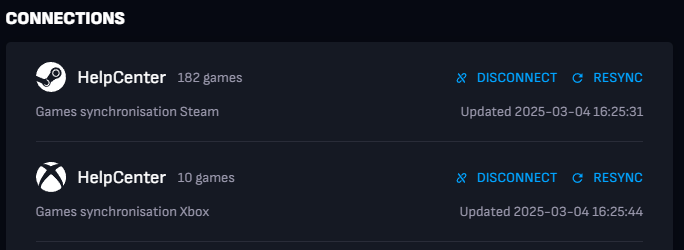
You can connect your Boosteroid profile to your game account in your account settings (only Steam and Xbox are available). The feature is only available in the browser version of the service.
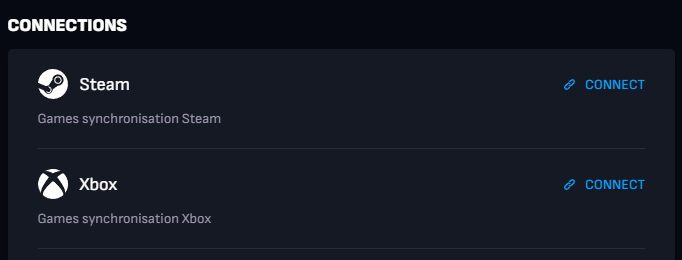
After connecting, all games that you have in your Steam or(and) Xbox library and that are available on Boosteroid will be featured on the My Games tab.
Keep in mind that your Steam or Xbox Profile and Game Details must be public while syncing games.
You can configure the privacy options of your Steam account in the Steam account settings.
You can configure the privacy options of your Xbox account in the Xbox Settings.
For future references, some users can be logged in one or more accounts at a time and sometimes microsoft will prioritize one over another, recommend them to log out from all other accounts, and keep just the one that is on xbox logged when clicking connect in boosteroid
You can always disconnect Steam or Xbox account from your Boosteroid account by clicking the "Disconnect" button. You can also resynchronize games by clicking the "Resync" button.