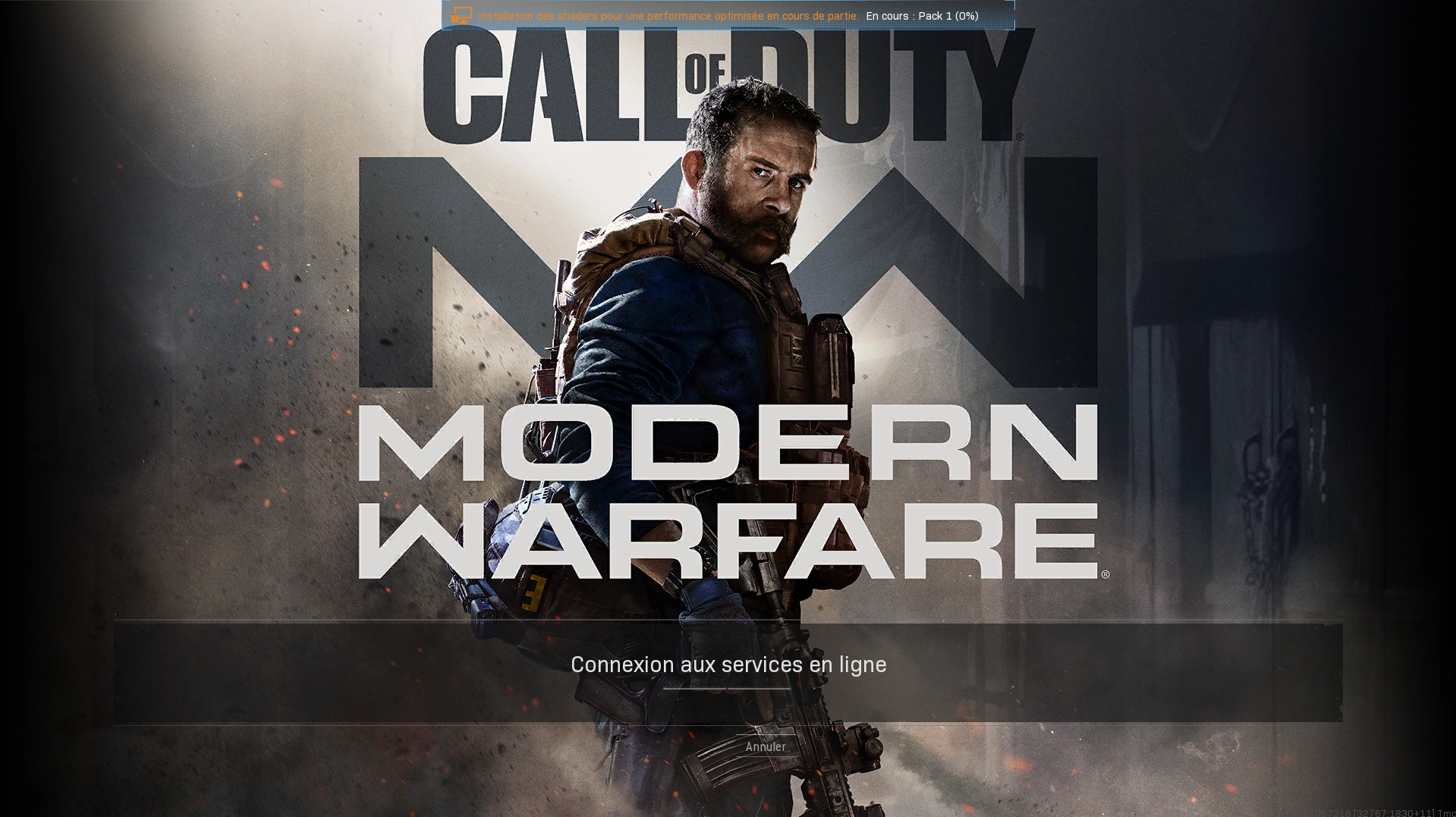
A general step-by-step instruction that can be applied to Battle.net games is described below.
Important notes:
The language change happens only during an active session and on inside of our remote gaming desktop;
Some languages have a few different variants, so some variants may change the game's language, while others don't.
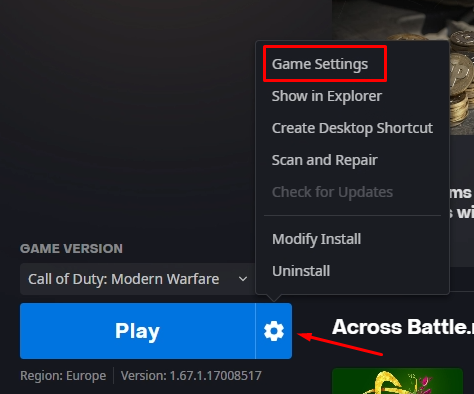
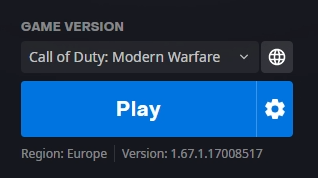
Before launching the game, open its settings;
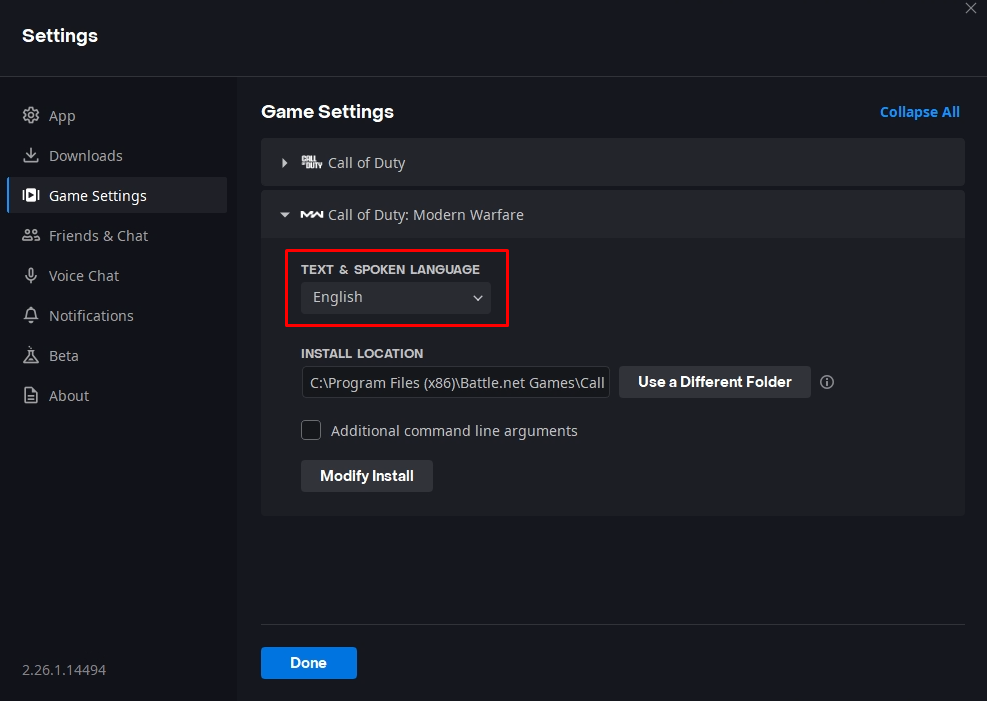
Select a language in the opened window;
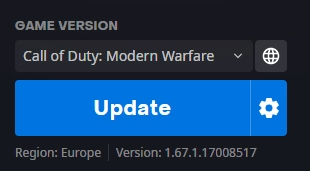
Click the Update button so a new language pack is installed;
Launch the game once the language is installed;
The language should be updated automatically.