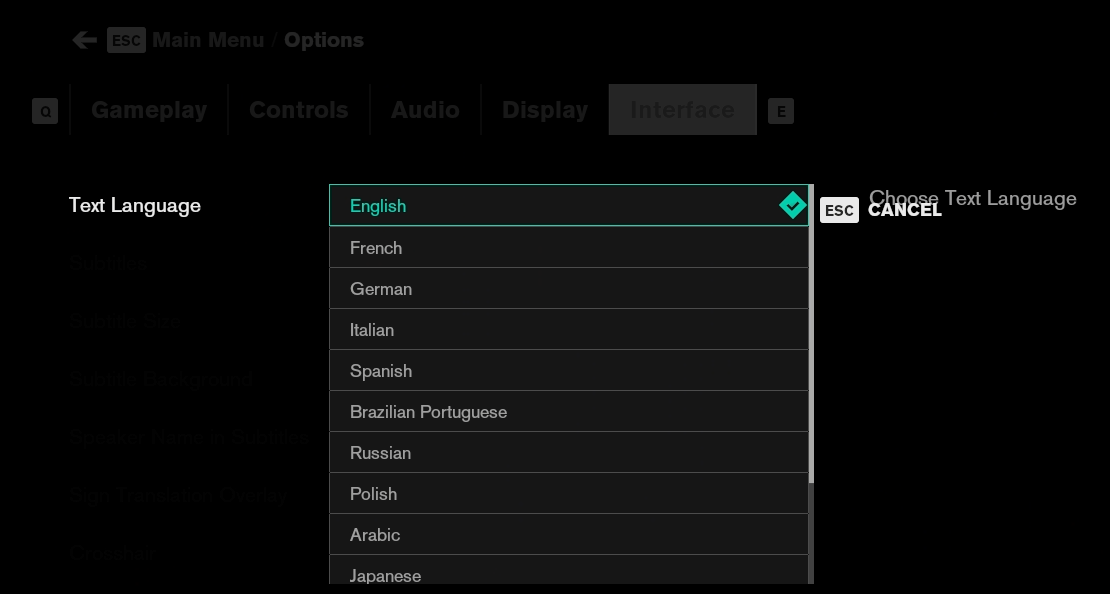
For most games, the language of the Epic Games launcher defines the game's language.
Important notes:
The language change happens only during an active session and on inside of our remote gaming desktop;
Some games might only support a partial translation or not support it at all;
Some languages have a few different variants, so some variants may change the game's language, while others don't.
Before launching the game, open the Epic Games settings;
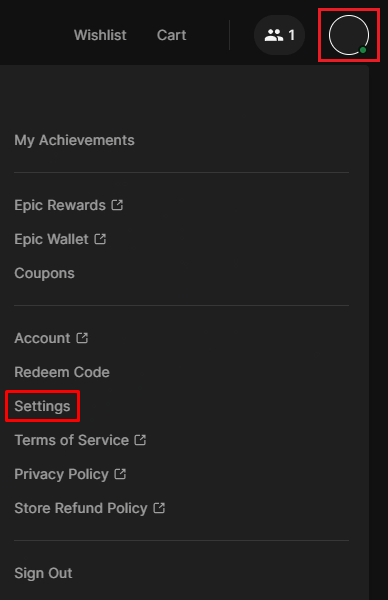
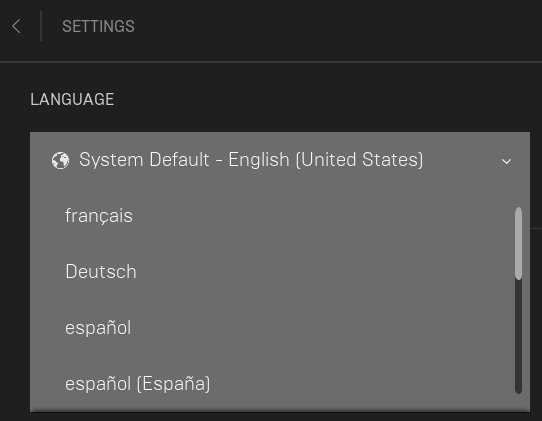
Change the language;
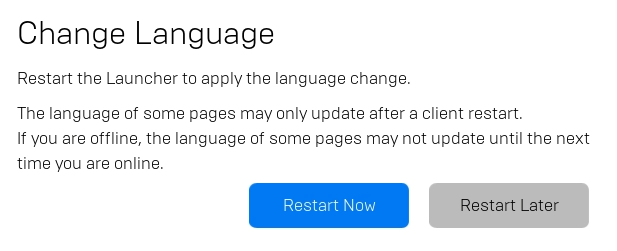
Restart the launcher;
Launch the game;
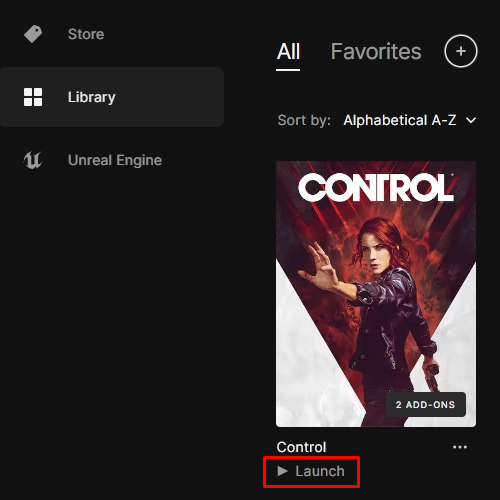
If the language didn't update, check whether it's possible to change the language in the game settings.