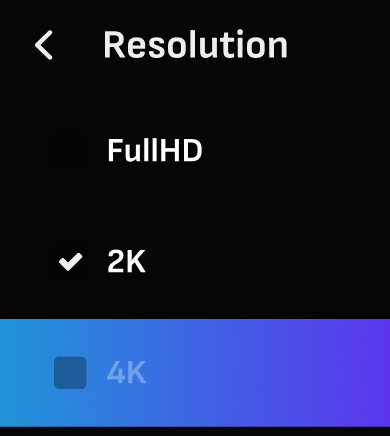
The stream resolution and codec options can be found in the account settings.
Codec
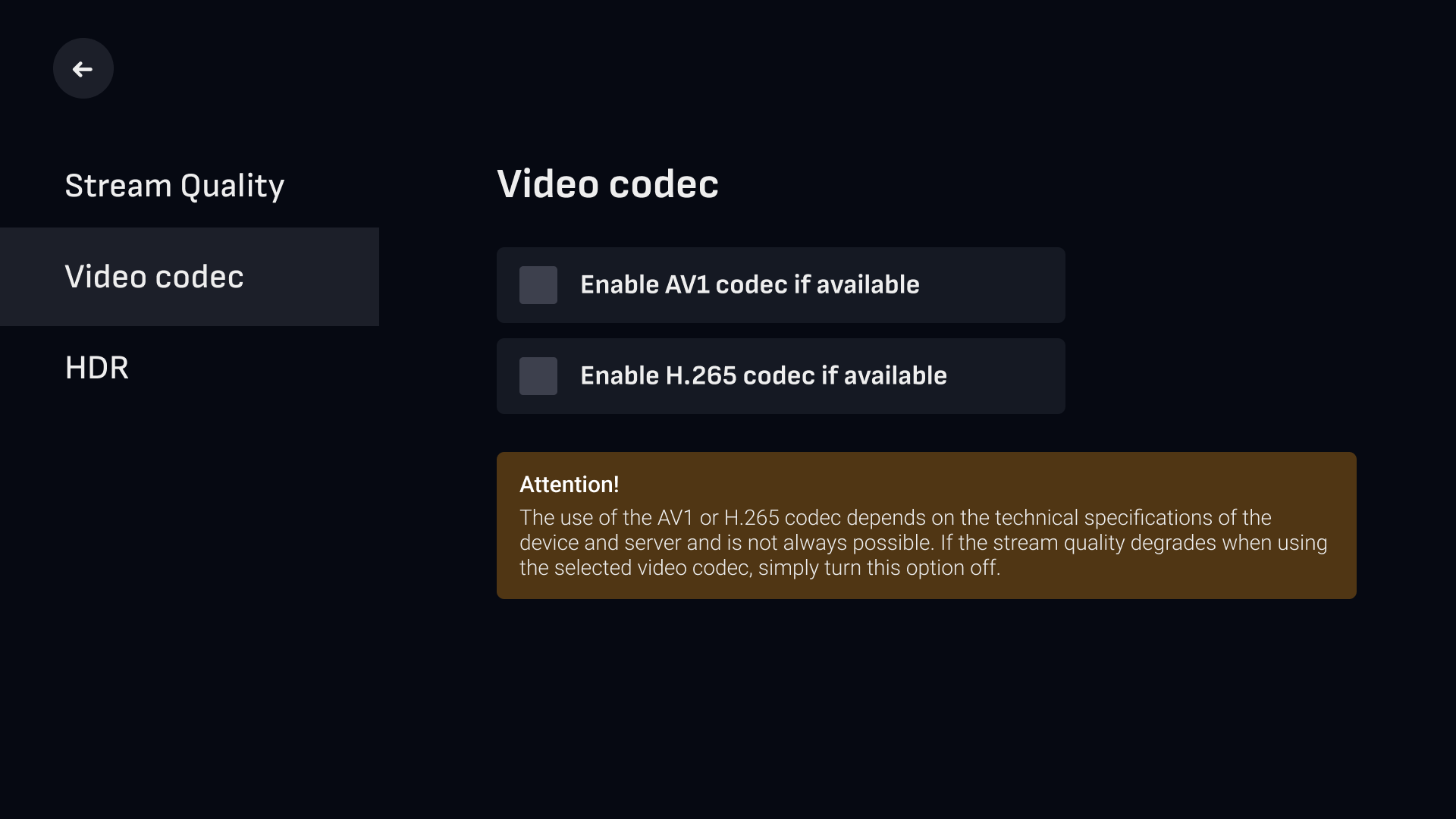
At the moment, the AV1 codec is not supported on LG TVs (WebOS).
The use of the AV1 or H.265 codec depends on the technical specifications of the device and server and is not always possible. If the stream quality degrades when using the selected video codec, simply turn this option off.
Resolution
Chromecast does not allow you to select 4K in the settings. Only FullHD and 2K are available on this device.
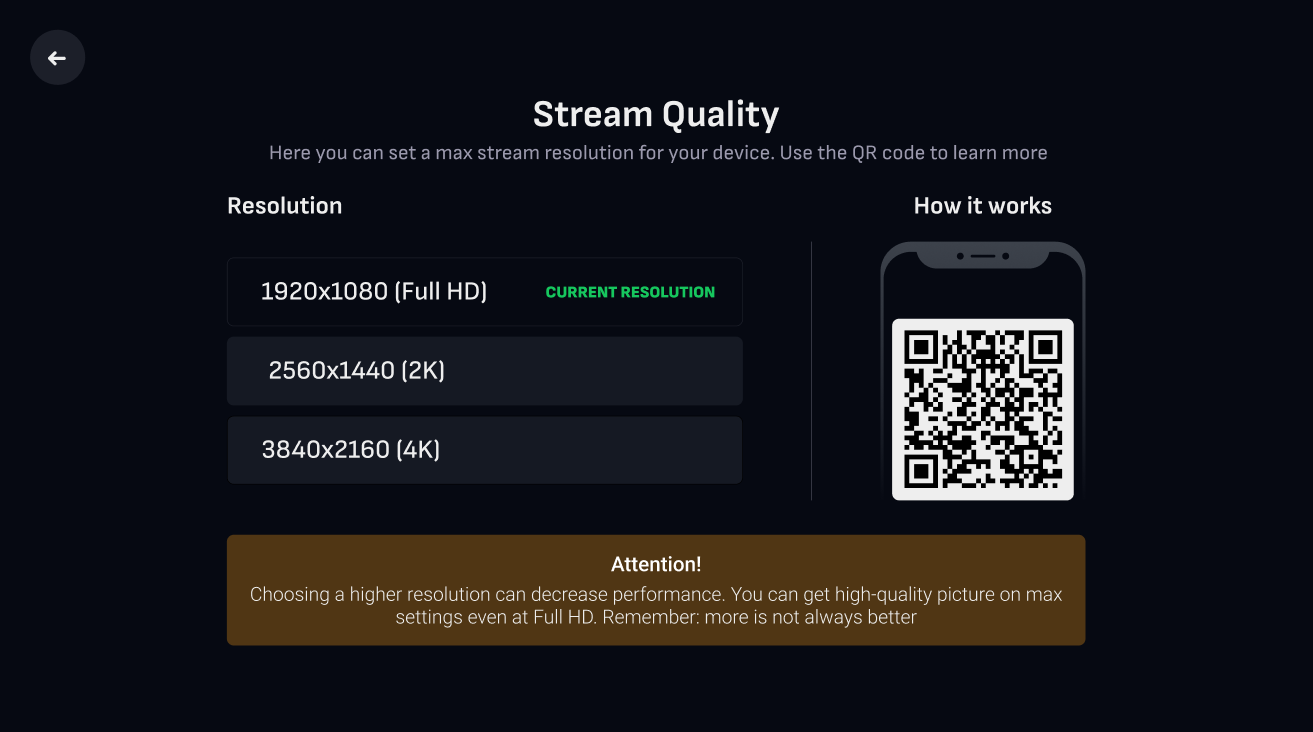
During the session, you can easily set a lower resolution. However, you can't set a higher resolution than what was selected in the settings before the session was created.
For example, if you set 2K resolution in your settings, you will be able to lower it to FullHD, but you won't be able to increase it to 4K. Such a restriction is made to prevent image upscaling, which can deteriorate the overall stream quality. In the meantime, image downscaling doesn't have such drastic effects on the stream quality.