Browser:
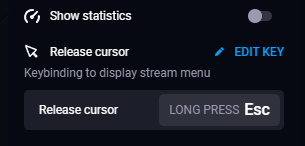
This option is in the session overlay, in the “General settings” section. The hotkey you set is saved and used in future sessions.
Desktop apps (Windows and Linux):
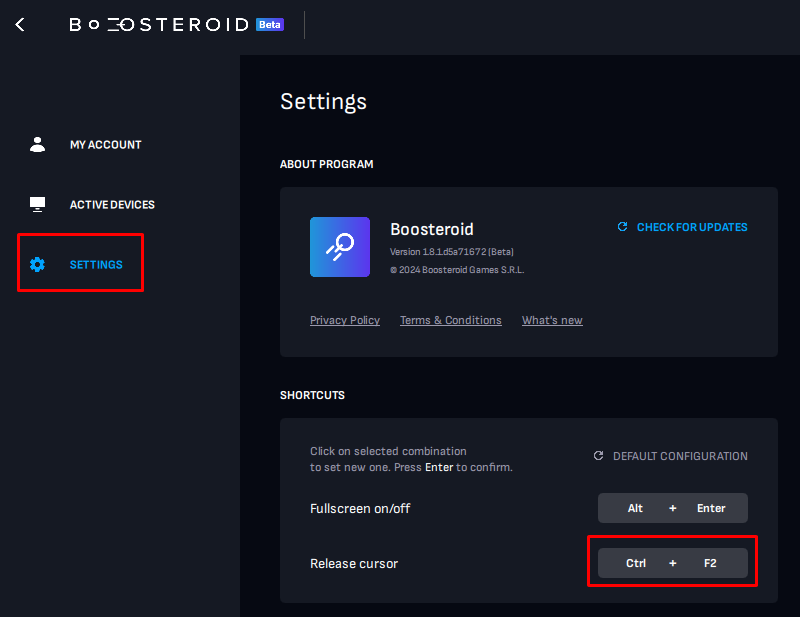
Go to Settings → Shortcuts and change the default hotkey as you like.

This option is in the session overlay, in the “General settings” section. The hotkey you set is saved and used in future sessions.
Go to Settings → Shortcuts and change the default hotkey as you like.
Was this article helpful?