
You can play games without gamepad support on mobile devices (phones & tablets) only via our Android application. By default, such games are hidden, but you can enable them in the filters. To do that, disable the Controller filter & apply changes.
We don't support mouse/keyboard on phones/tablets when playing through a browser. We recommend using our app (Android only)
On Android 11 and older versions, pressing the middle mouse button (usually the scroll wheel button) acts like pressing the Home button on your phone. This is a system-level behavior, and apps are not allowed to change it. That’s why when you click the scroll wheel, the app minimizes.
On Android 11 and older versions, one of the side buttons will duplicate the function of the right mouse button.
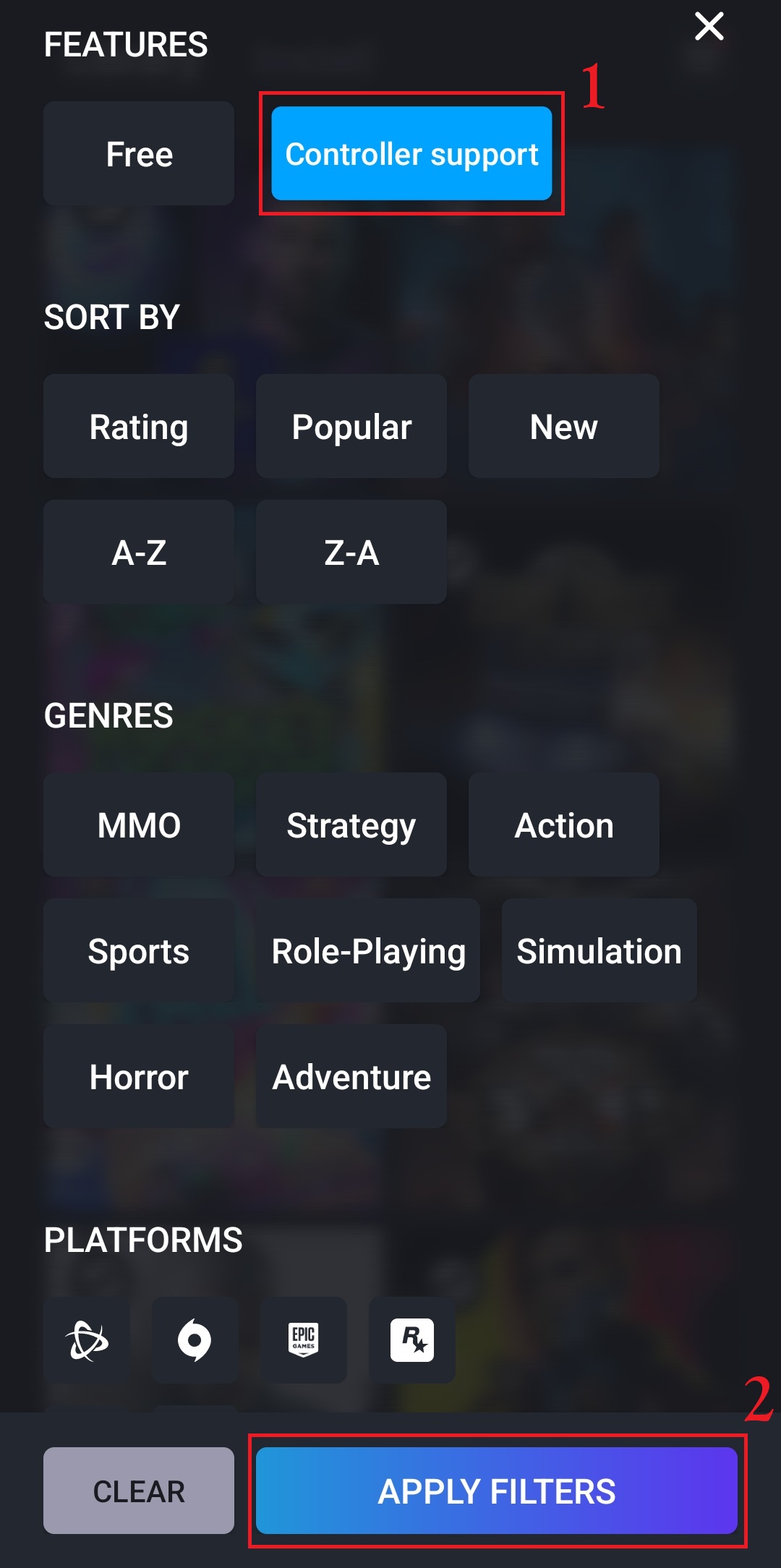
Be aware that such games can be only controlled via mouse & keyboard, so you'll have to connect these peripherals to your device (via Bluetooth or cable).
Also, you may experience some issues with mouse control in games, where the cursor is visible and is an essential part of the game.