
You can easily copy information from your device and paste it to our remote gaming desktop.
Please follow the next steps to achieve that:
Browser:
Click on the field where you need to enter the information
Exit a full-screen mode
Copy the necessary information on your device
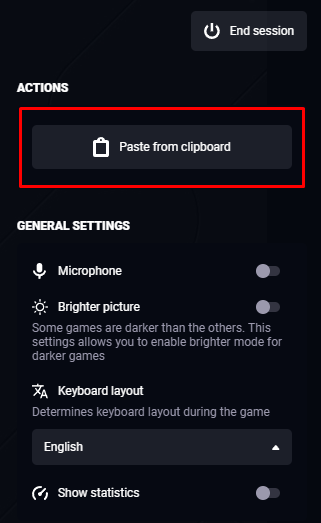
Press the "Paste from clipboard" button
Desktop application:
Click on the field where you need to enter the information
Exit a full-screen mode
Copy the necessary information on your device
Press the system key combination to paste data (e.g. Ctrl + V on Windows or Cmd + V on MacOS)