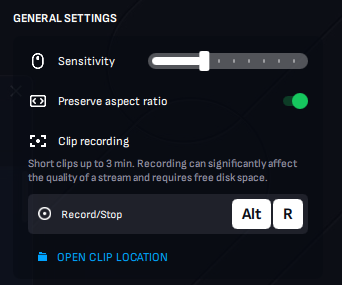
The feature is only available in our native desktop applications. You can start the recording by pressing Alt + R. After you press the hotkey combination, the application will start recording. You will also see the current recording status in the upper-left corner of the screen.
The maximum duration of the clip is 3 minutes. To stop the recording, press the hotkey combination again.
The application will record your microphone (if enabled) and session (video and audio). After the recording is finished, the clip will be saved to the clip location and its name will contain the game's title and current date & time.
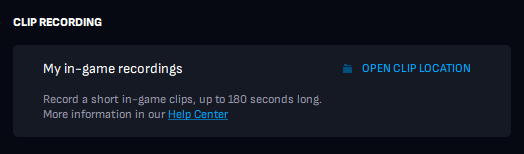
You can find a shortcut to the clip location folder in the session's overlay and account section: