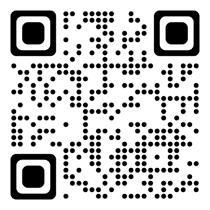
Scan the QR code below (make sure you are using the Safari browser);
Log into your Boosteroid account (skip this step if you have already logged in);
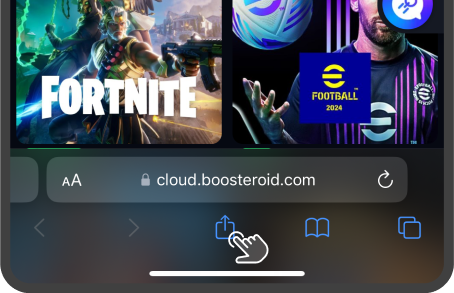
Tap the Share button on the toolbar;
Swipe up and click the Add to Home Screen button.

Scan the QR code below (make sure you are using the Safari browser);
Log into your Boosteroid account (skip this step if you have already logged in);
Tap the Share button on the toolbar;
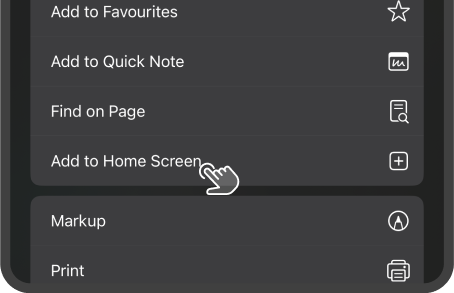
Swipe up and click the Add to Home Screen button.
Was this article helpful?