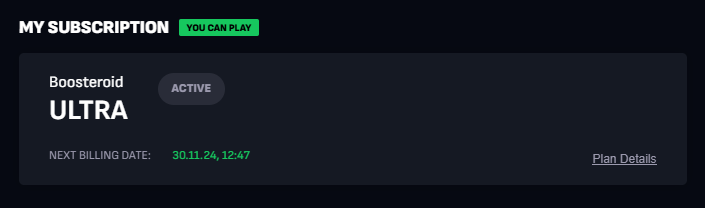
If you have an active subscription but want to get the extra rewards included in a promo subscription, follow these steps:
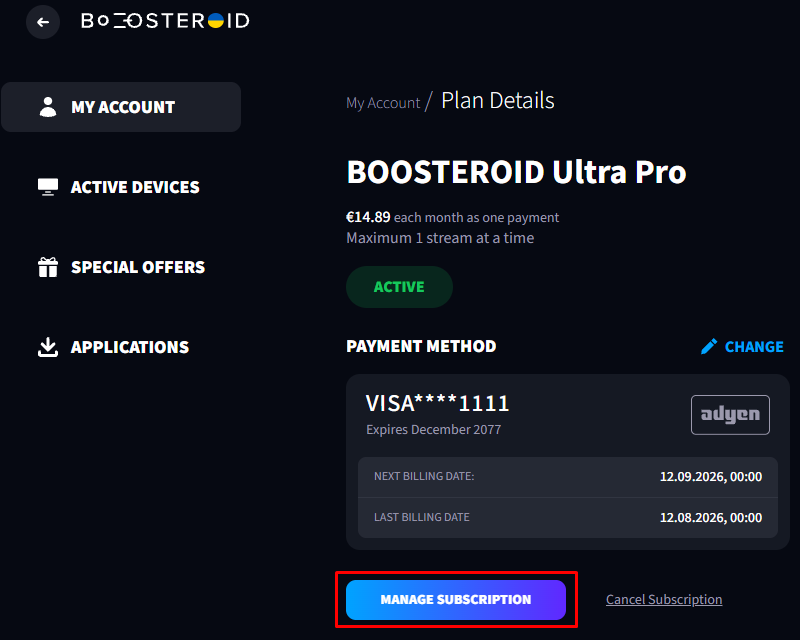
Click “Plan details” on your current subscription and select “Manage Subscription”;
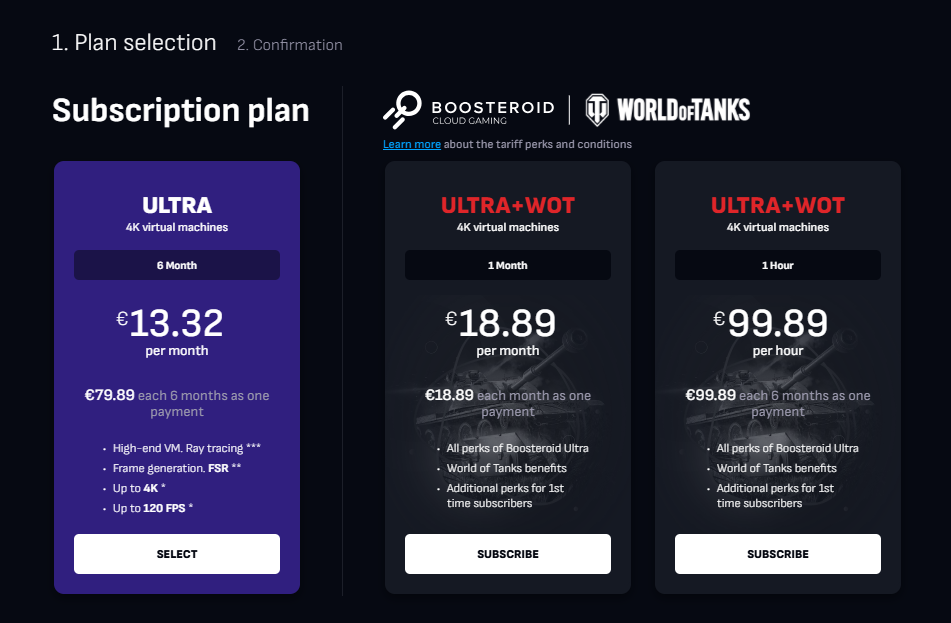
Select a promo subscription (it will have a Subscribe button) and complete the payment;
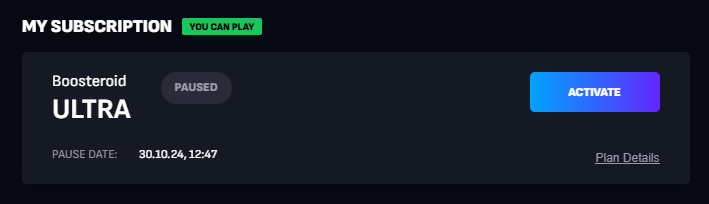
After the payment, you’ll have two subscriptions: the promo one is active, and the previous one is paused.
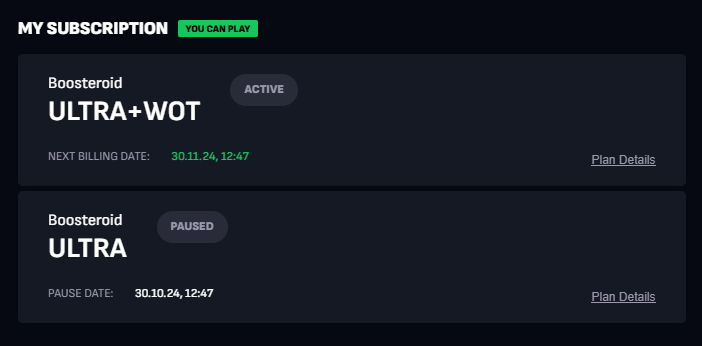
To resume your previous subscription, cancel the promo one (so that it isn’t renewed) and use it until it ends. After it ends, you’ll be able to reactivate the paused subscription.