
Server selection is available only with the Ultra Pro plan.
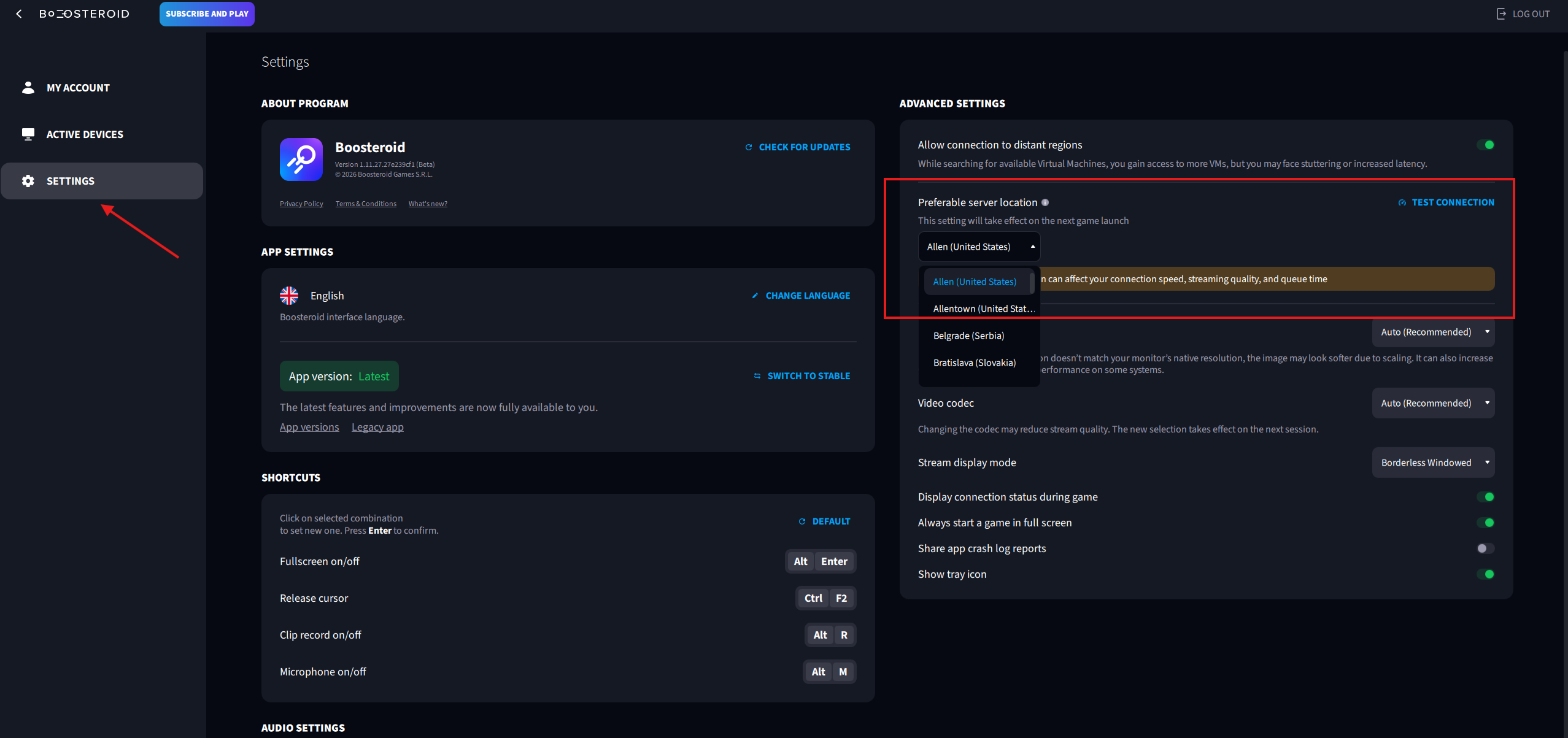
You can select a server both in the browser and in the Boosteroid app. In the app, server selection is available only in the Latest version. You can switch the app version in the “Settings” section.
To choose the desired server:
Go to your account settings;
Open the “Settings” section;
Select the appropriate server.
If you have selected “Automatic location”, the system will connect you to the nearest server where the chosen game is available.