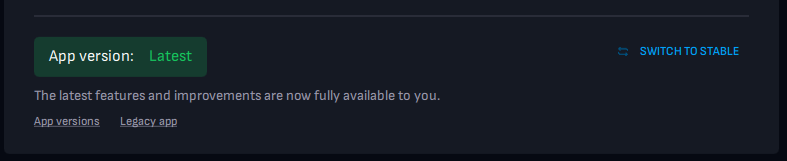
We divide the client into Stable and Latest versions.
The Stable version is a tested version of the application. In the Latest version of the application, we will add new features and improvements that will eventually be transferred to the Stable version.
If you want to install the latest version of the app, you need to go to user settings and find the section with the app version and the “Upgrade” button:
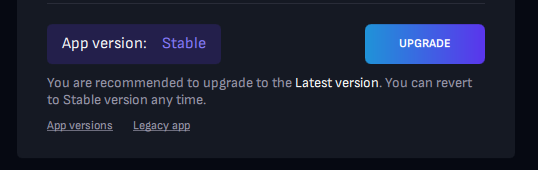
By clicking on the “Upgrade” button, you will upgrade the application to the latest version.
The latest version of the app can solve problems with stuttering, bitrate drops, fps drops, pixelation, and other issues you may encounter.
You can always revert to the stable version of the application by clicking on the "Switch to stable" button: