
You’ll find this option on the main page of your account. It controls whether you can connect to servers in distant regions.
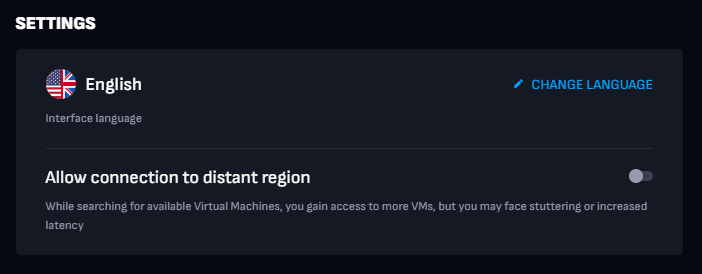
Each region covers a specific list of supported countries, and our servers are also grouped by region. This option is disabled by default, so you’re connected only to servers in your own region.
If you want to play in another region, enable the option, wait up to 5 minutes, and start a new session. On the next launch, your connection will be tested with all available servers that can run the selected game, and the best one will be chosen for your session.