
A general step-by-step instruction that can be applied to most Xbox games is described below.
Important note: Some Xbox games do not support the language selection option at the moment.
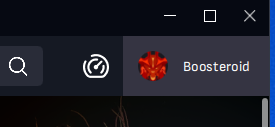
Before launching the game, open your account page;
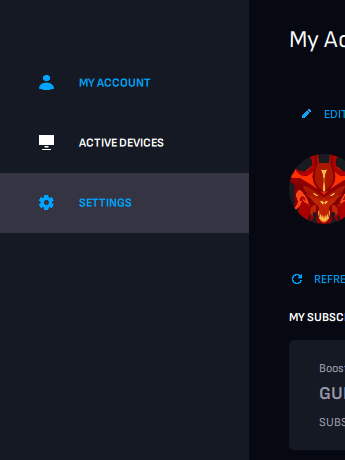
Click "Settings";
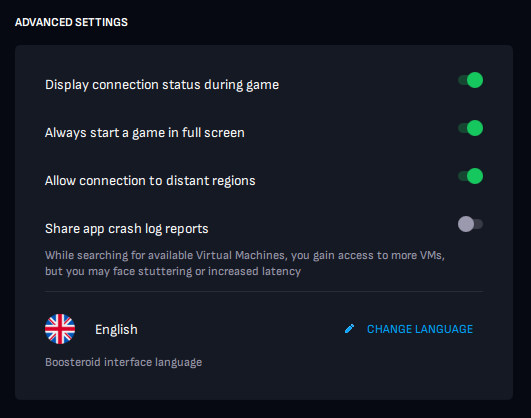
Advanced Settings → Change Language;
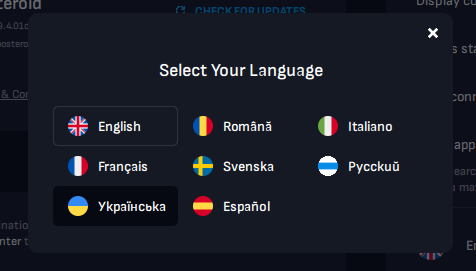
Select the preferred language;
Start a session with your game. The selected language should automatically apply within the game.
If the language in the game has not changed after these steps, try changing it in the game settings if such an option is present. Otherwise, the language selection isn't supported for such a game.