Open the My Account page;
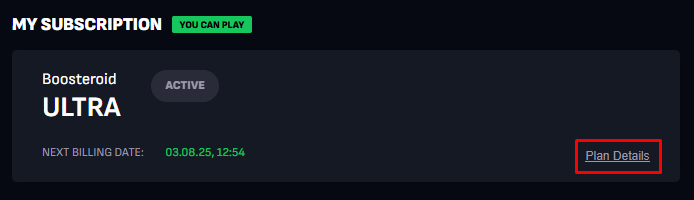
In the My Subscription section, click Plan details;
Click Cancel subscription;
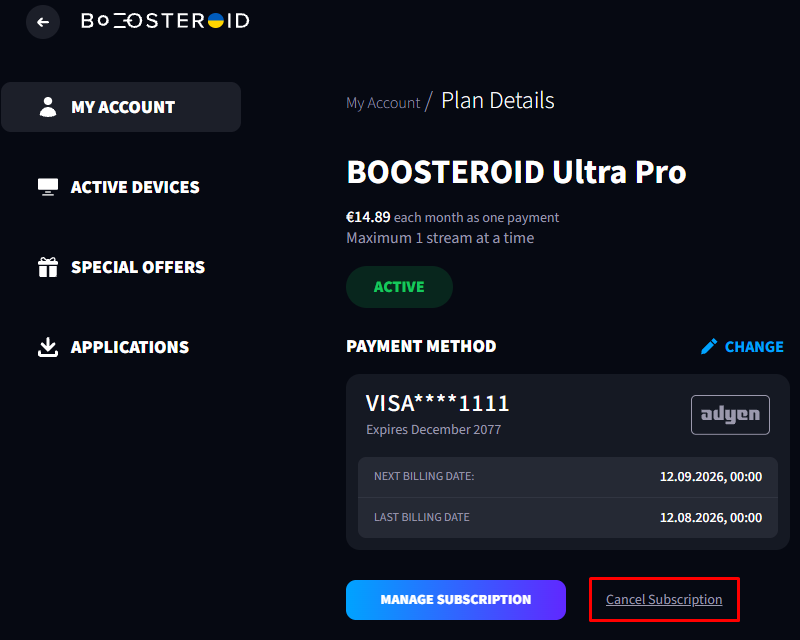
If you paid with iDEAL, Bancontact, or Paysafecard, you won’t see the Cancel subscription button: these payment methods are non-recurring, so your subscription won’t be renewed automatically.
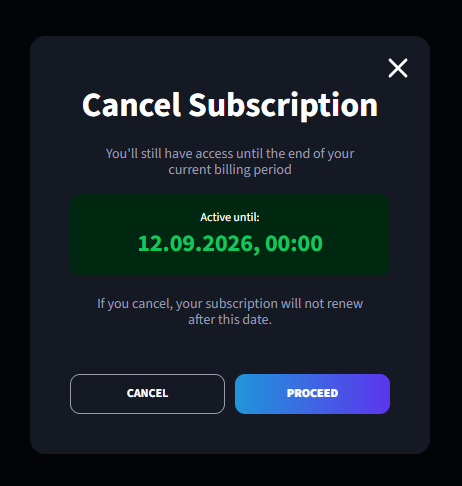
Click Proceed;
Complete the short survey;
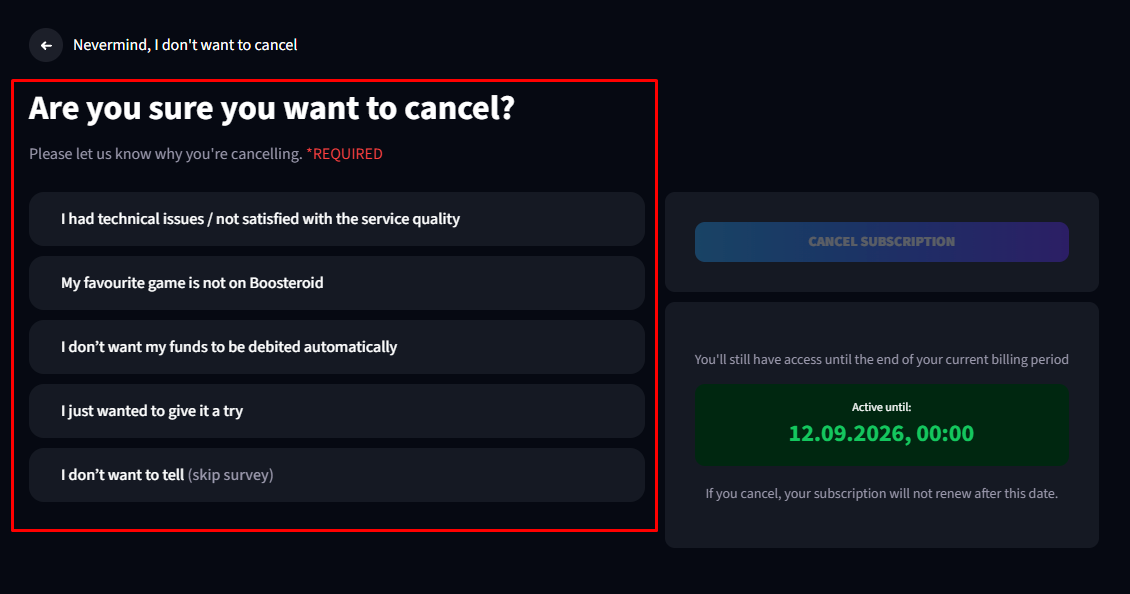
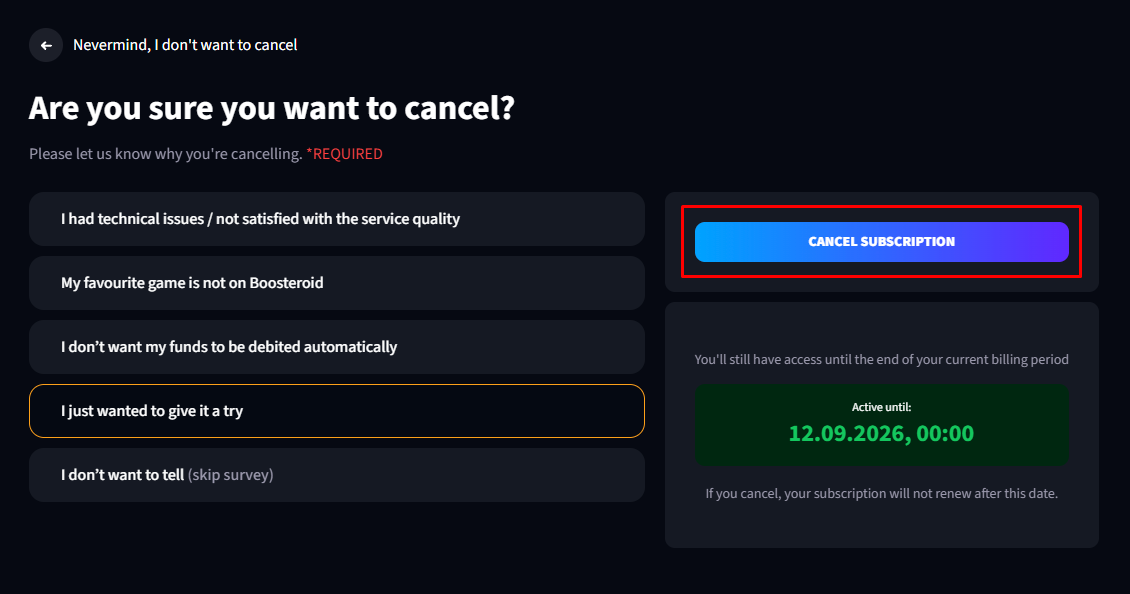
If everything was done correctly, you will see this message:

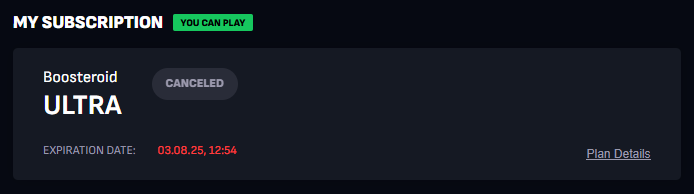
Your subscription remains active until the end of the paid period. If the cancellation was successful, the subscription status will change to “Canceled” (you may need to refresh the page).