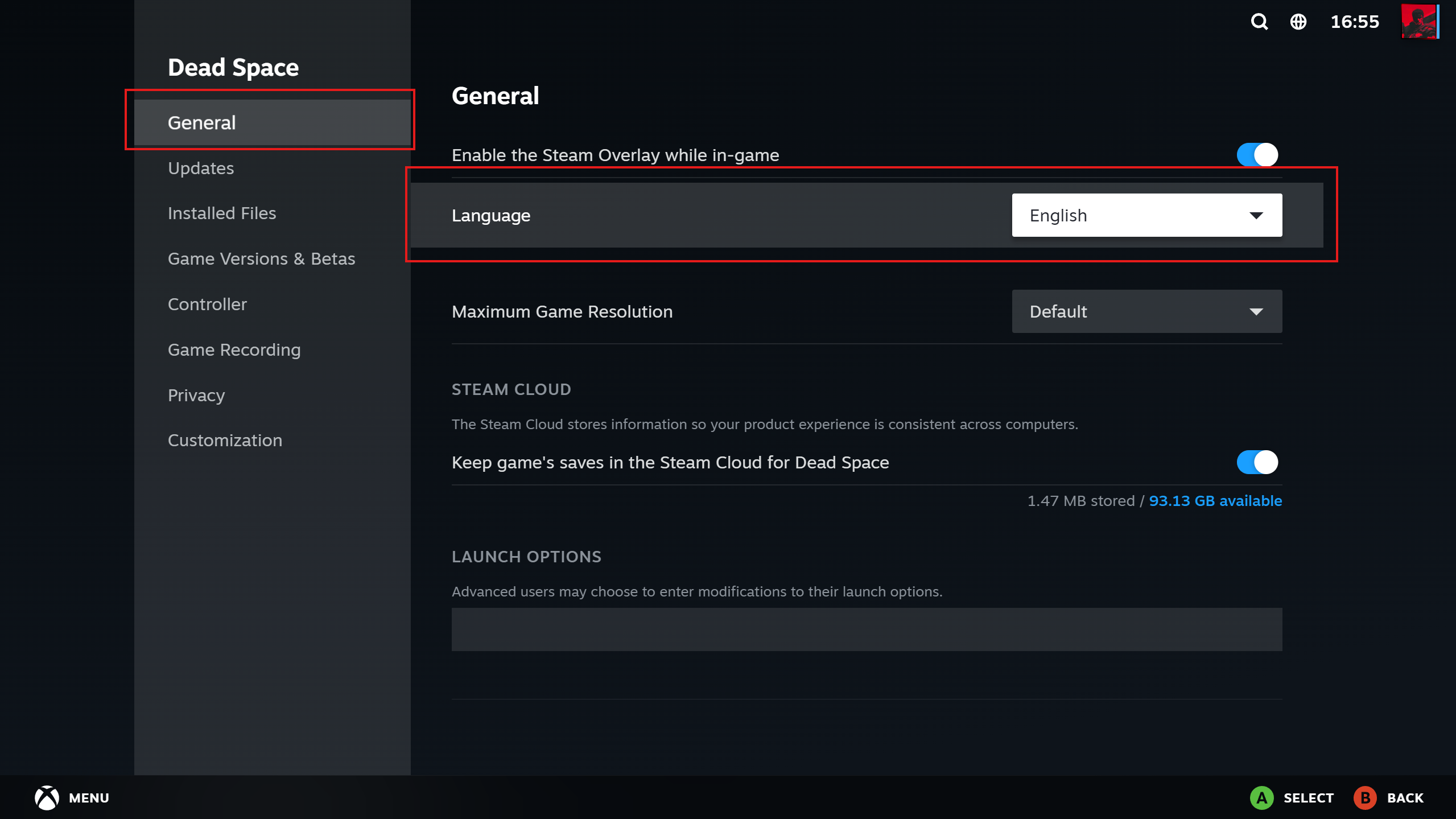
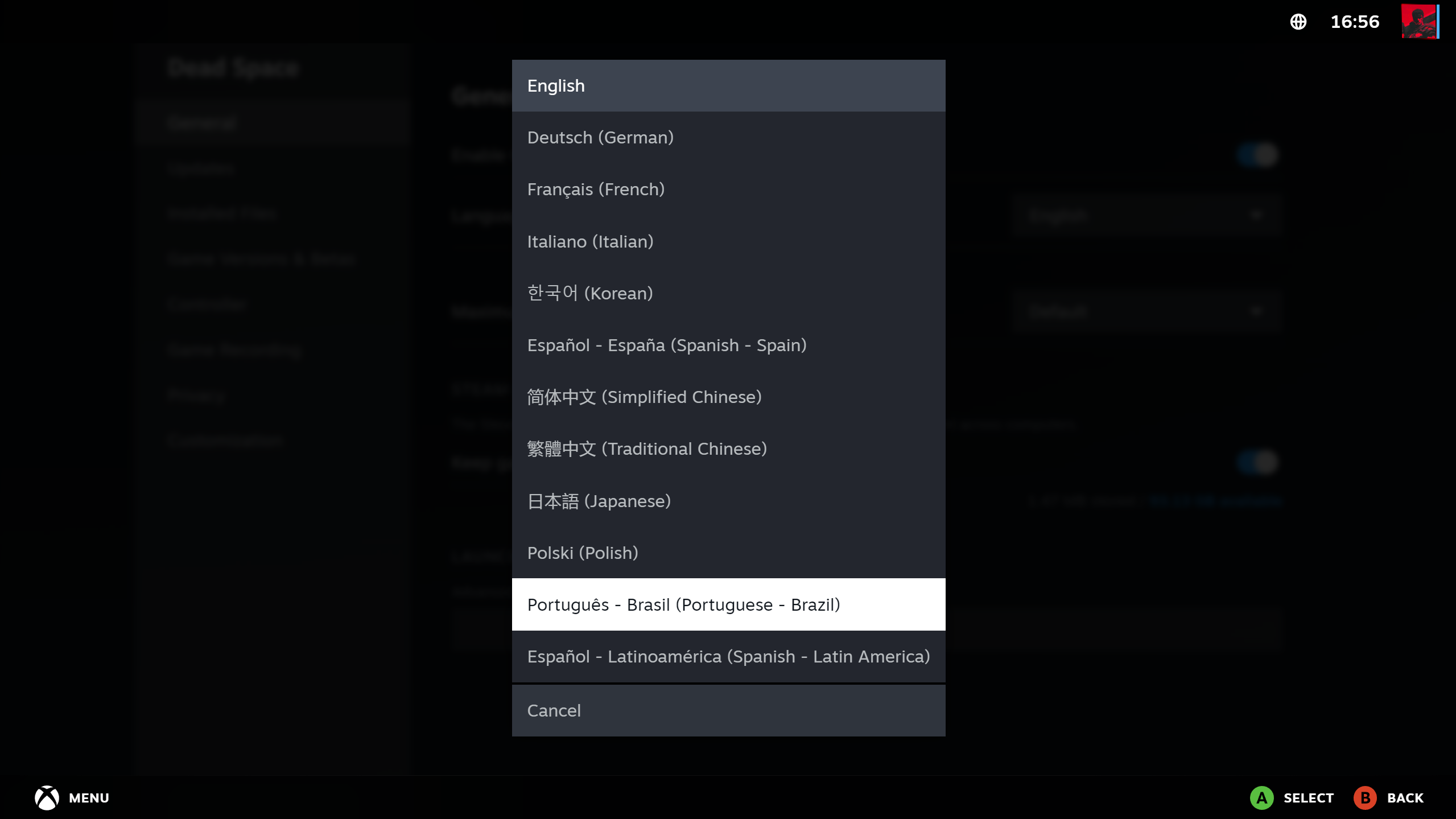
A general step-by-step instruction that can be applied to most Steam games is described below.
Important notes:
The language change happens only during an active session and inside our remote gaming desktop;
Some games might only support a partial translation or not support it at all;
Some languages have a few different variants, so only some of them may change the game's language, while others don't.
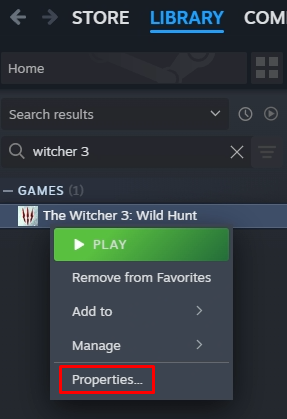
Before launching the game, open the Steam Library;

Find the game you've selected and right-click on it. Select the game's properties in the dropdown menu;
Change the language option on the General tab;
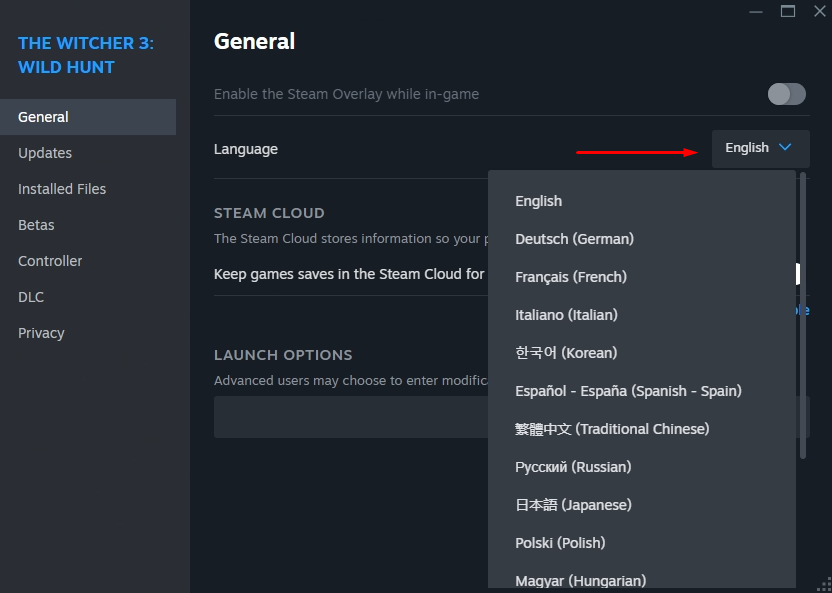
Wait until the language pack is installed (optional for some games);
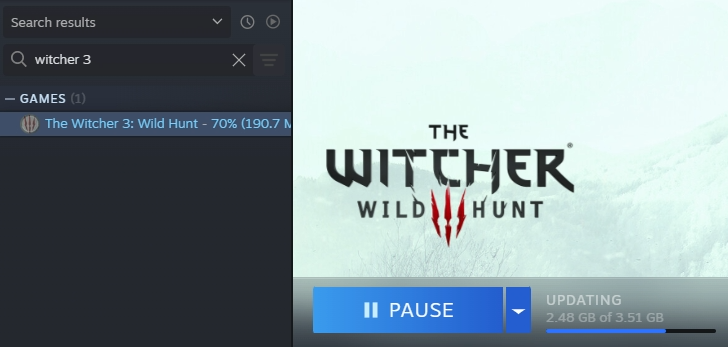
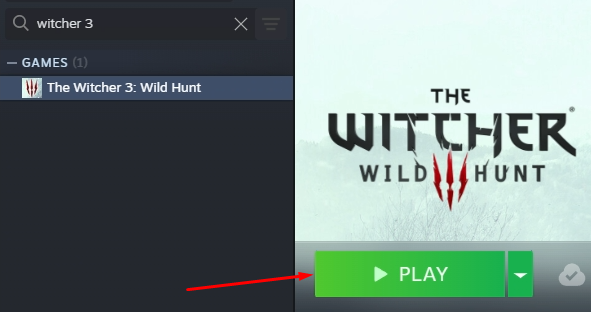
Launch the game;
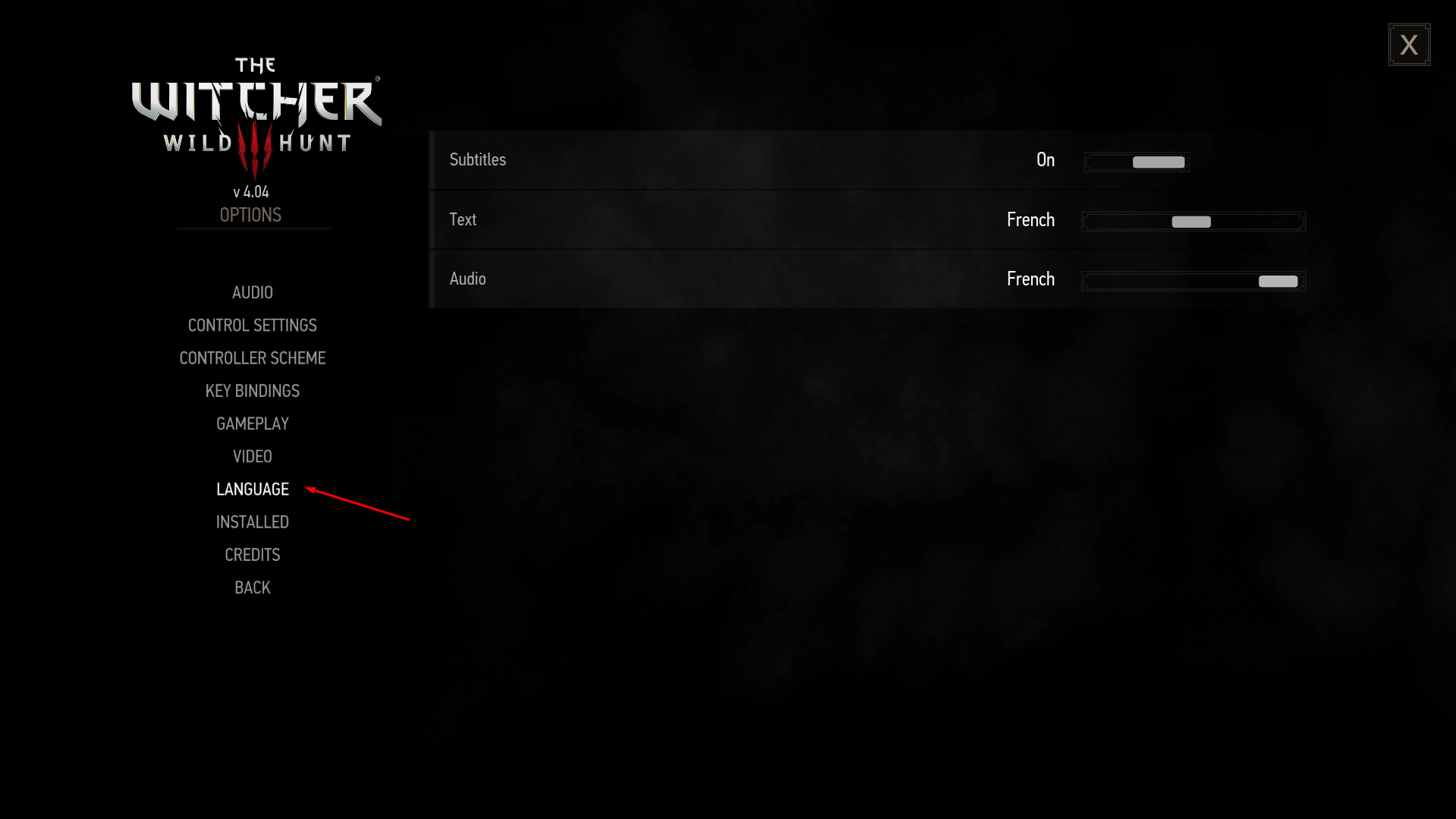
Change the language in the game options if the language didn't update (optional for some games)
Big Picture
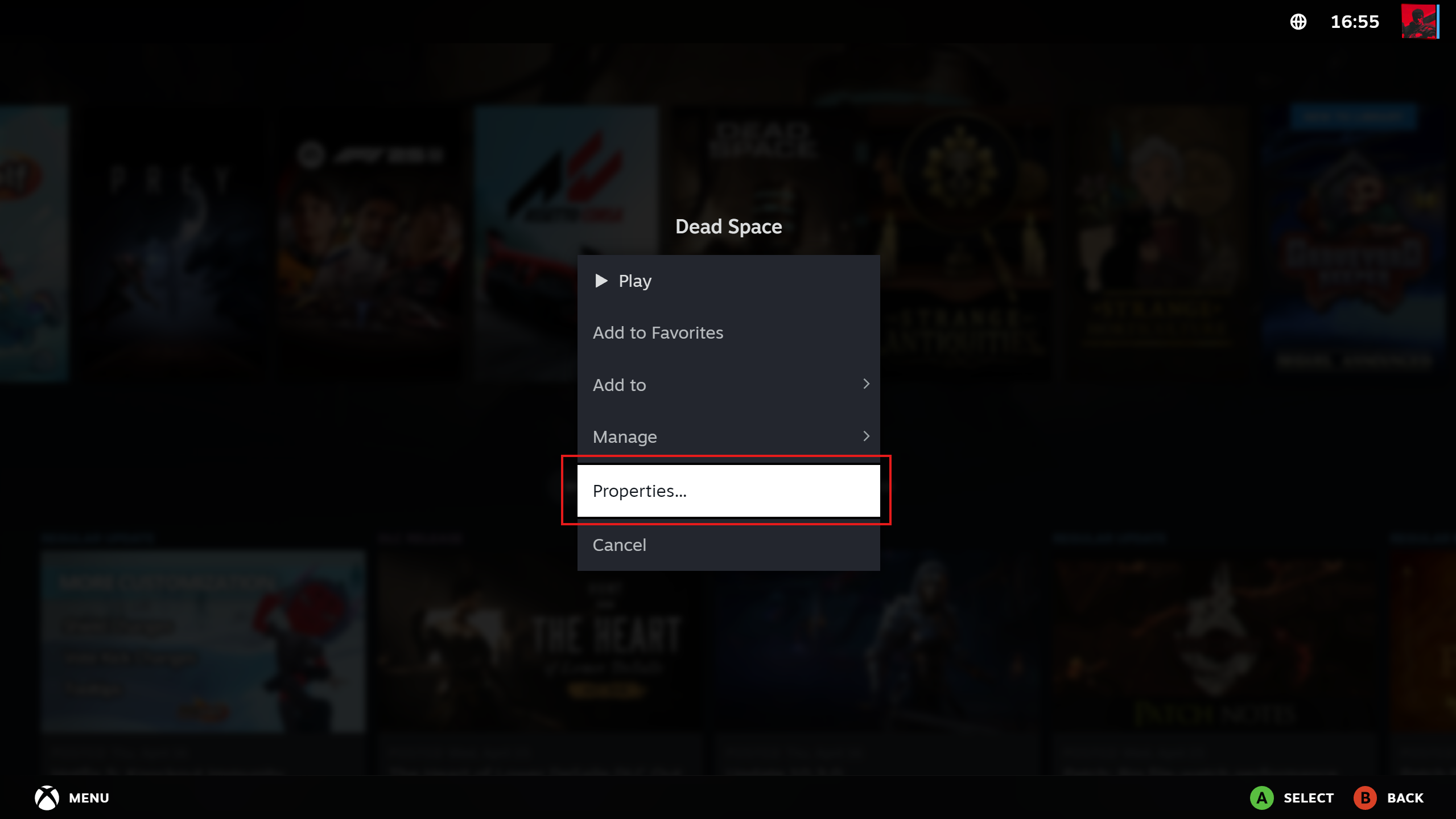
Select the game you want to play and press the “Options” button on your controller.
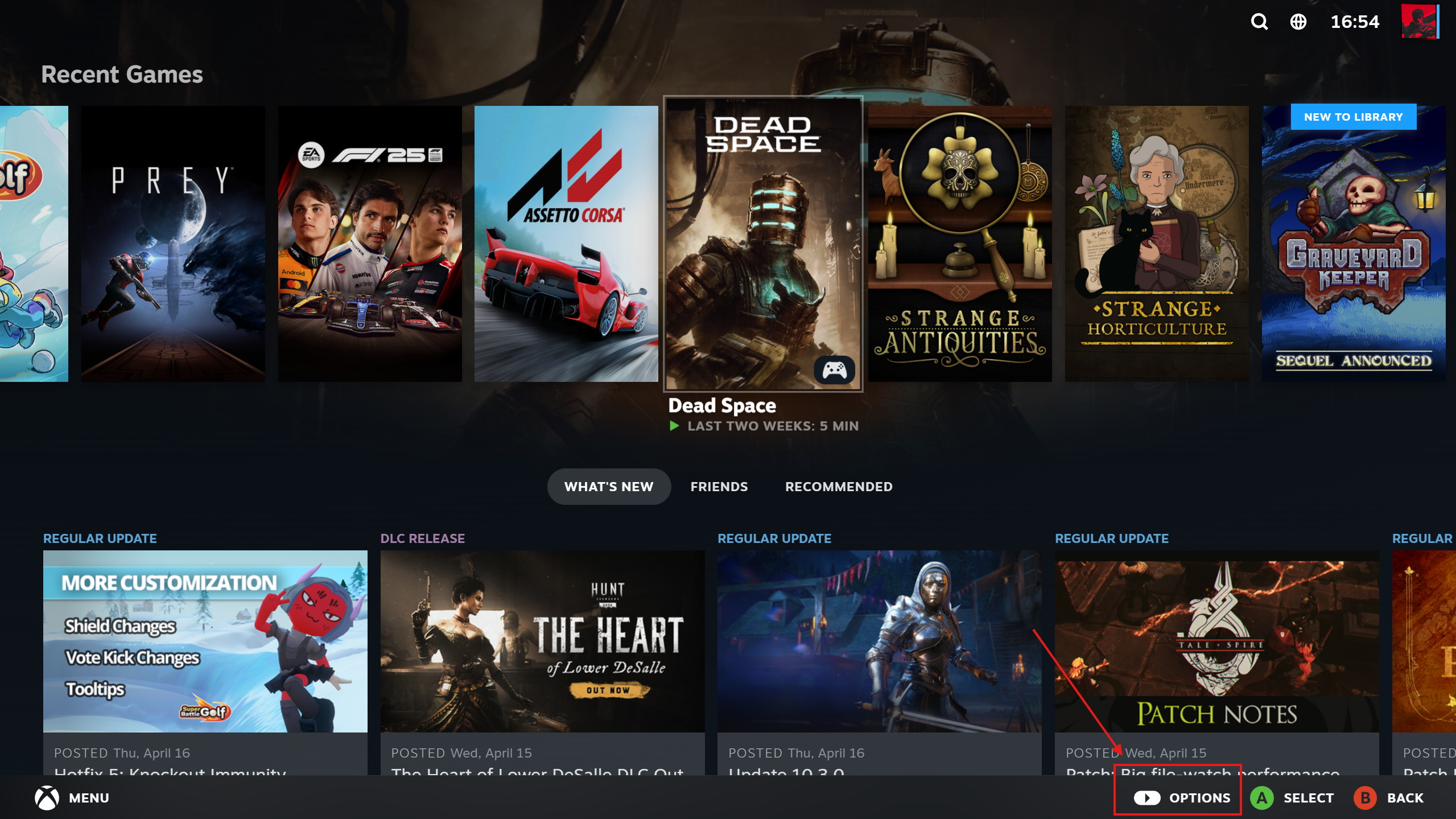
In the pop-up window, select the ‘Properties’ tab
In the “General” section, locate the language selection and choose the language you require.