
To keep your progress, exit the game properly.
Save your progress in the game;
Exit the game;
If a launcher (e.g. Steam) appears after you exit the game, make sure the cloud save sync has completed.
Then end the session with the “End Session” button in the overlay.
If no launcher appears and you only see the desktop, wait until the session closes automatically so that your saves have enough time to sync (e.g. with the Xbox app or Epic Games).
Wait until the saves from your previous session are synced before starting a new one. If you see a message that a game is still running when you try to start a new session, the previous session is still active and the sync hasn’t finished yet. Interrupting it may cause you to lose your saves.
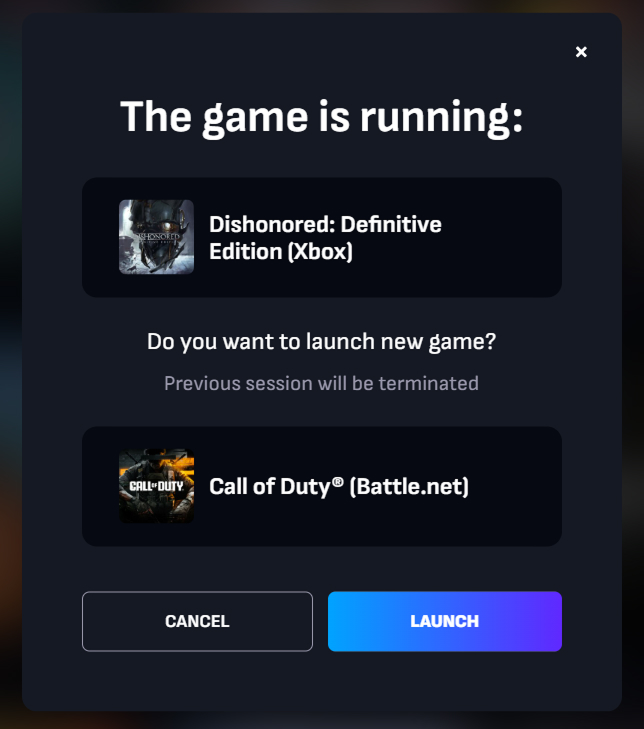
Launching a different game 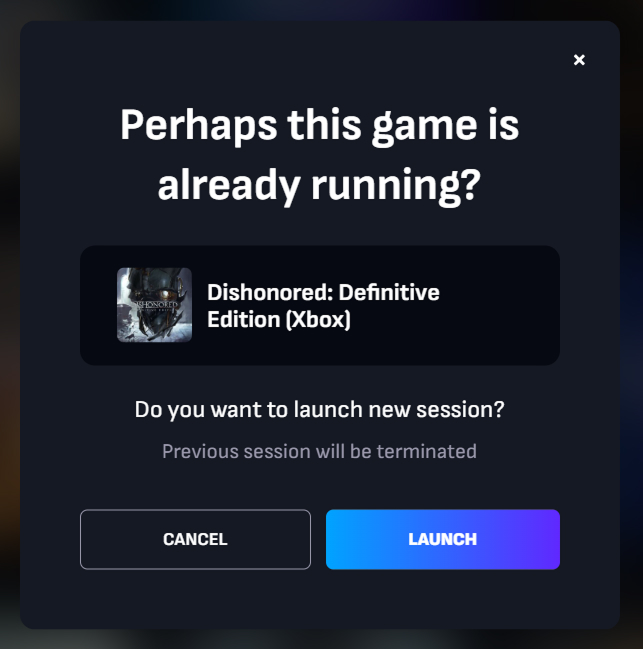
Launching the same game
Your game progress and achievements are then uploaded to the cloud servers of the corresponding platform (e.g. EA app, Steam) and stored there until you return to the game.