
Note: If the support chat doesn’t appear on the website, make sure you have accepted cookies. The chat may be unavailable until you consent to cookies. After accepting them, refresh the page — the chat should appear automatically.
Have a question or need help?
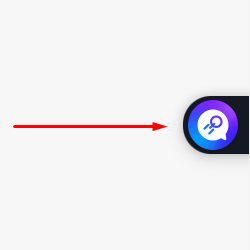
Our chatbot is ready to help. Its icon is in the lower-right corner of the website. Click it and start a new conversation. If the chatbot can’t answer all your questions, it will transfer you to a live support agent.
Basic rules for contacting live support:
The chat is available 24/7, and our qualified support team is always ready to help.
The average response time rarely exceeds 5 minutes.
The support team replies in English, but you can describe your question or problem in any language.
Before starting a chat with a support agent, please prepare:
a short description of the problem;
what you have already tried to fix it;
videos or screenshots, if possible.
This will help us resolve your issue faster.
Rude and uninformative requests are ignored or handled last.
Spam and offensive language may lead to a permanent ban.
You can also email us at [email protected]. For urgent issues, we recommend using the 24/7 live chat.